Technology
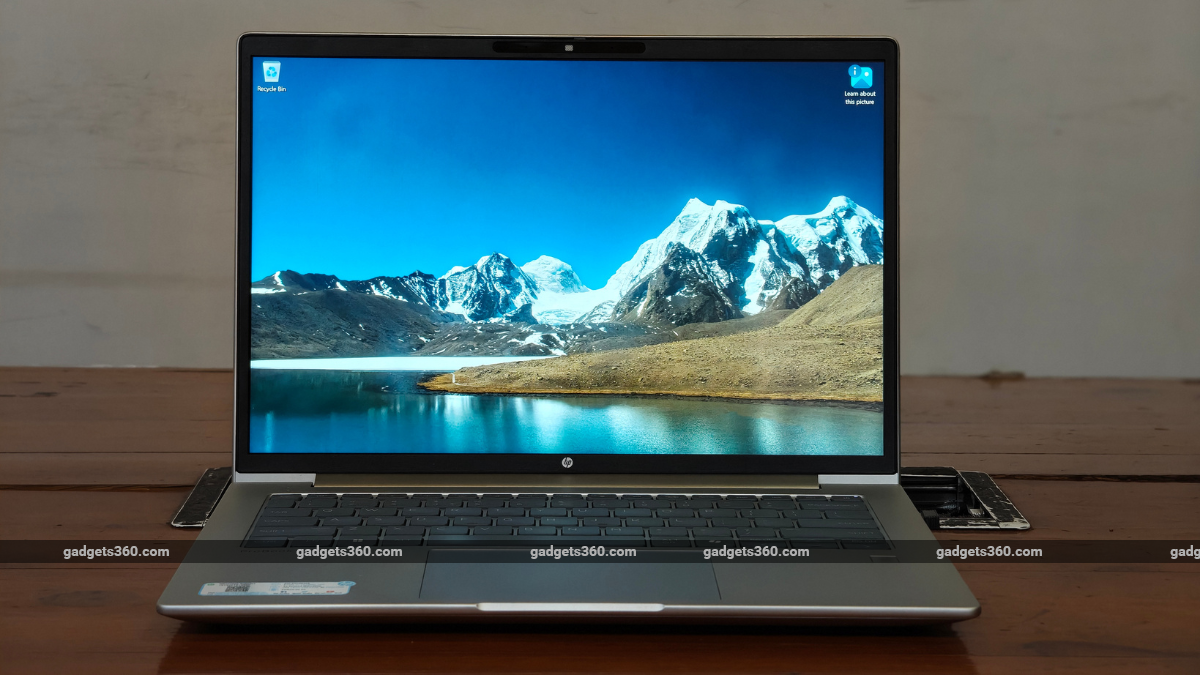
Microsoft Details Seven Methods for Taking Screenshots in Windows 11
Gadgets 3602h
THE BRIEF
1
Microsoft allows Windows 11 laptop users to capture screenshots through multiple built-in utilities, notably the Snipping Tool.
2
Users can open the Snipping Tool directly from the Start menu or via the keyboard shortcut Windows Key + Shift + S.
3
The application enables screen recordings, selective region screenshots, and quick markup annotations using the Ctrl + E shortcut.