Technology
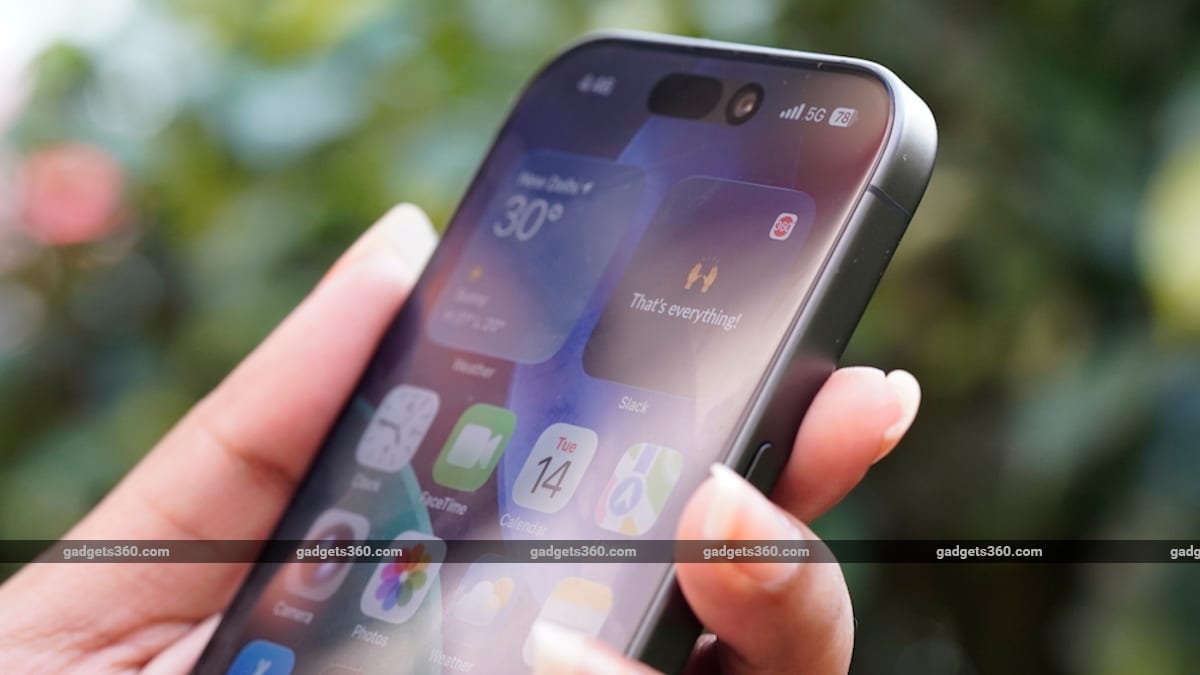
How to Turn Off Location Tracking Permissions for Apps on Android and iOS
Gadgets 36056m
THE BRIEF
1
Users can revoke location access for individual apps on Android and iPhones through device settings without needing to uninstall the applications.
2
Android users can manage permissions by navigating to Settings, selecting Location, and choosing 'Don't allow' or 'Allow only while using the app'.
3
iPhone users can adjust similar permissions by opening Settings, selecting Privacy & Security, tapping Location Services, and selecting 'Never' for specific apps.